
Resetting the root password
If you lost the server password, you do not need to reinstall anything. The client area can set a new root password inside the running system, and the data on disk is not touched.
Step 1: Open the server list
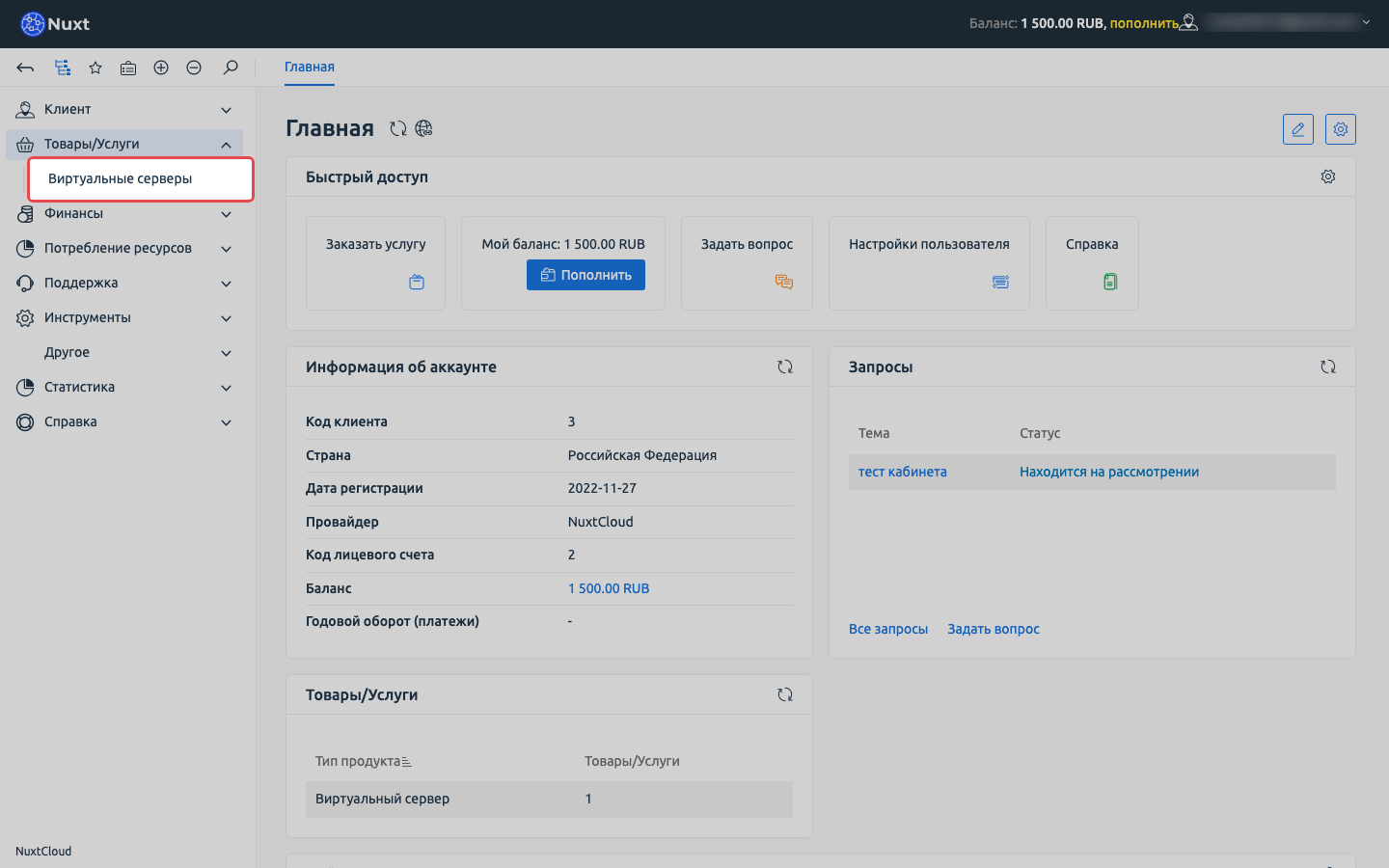
Sign in to the client area, expand Products/Services and choose Virtual servers.
Step 2: Select the server and open “Actions” → “Change password”
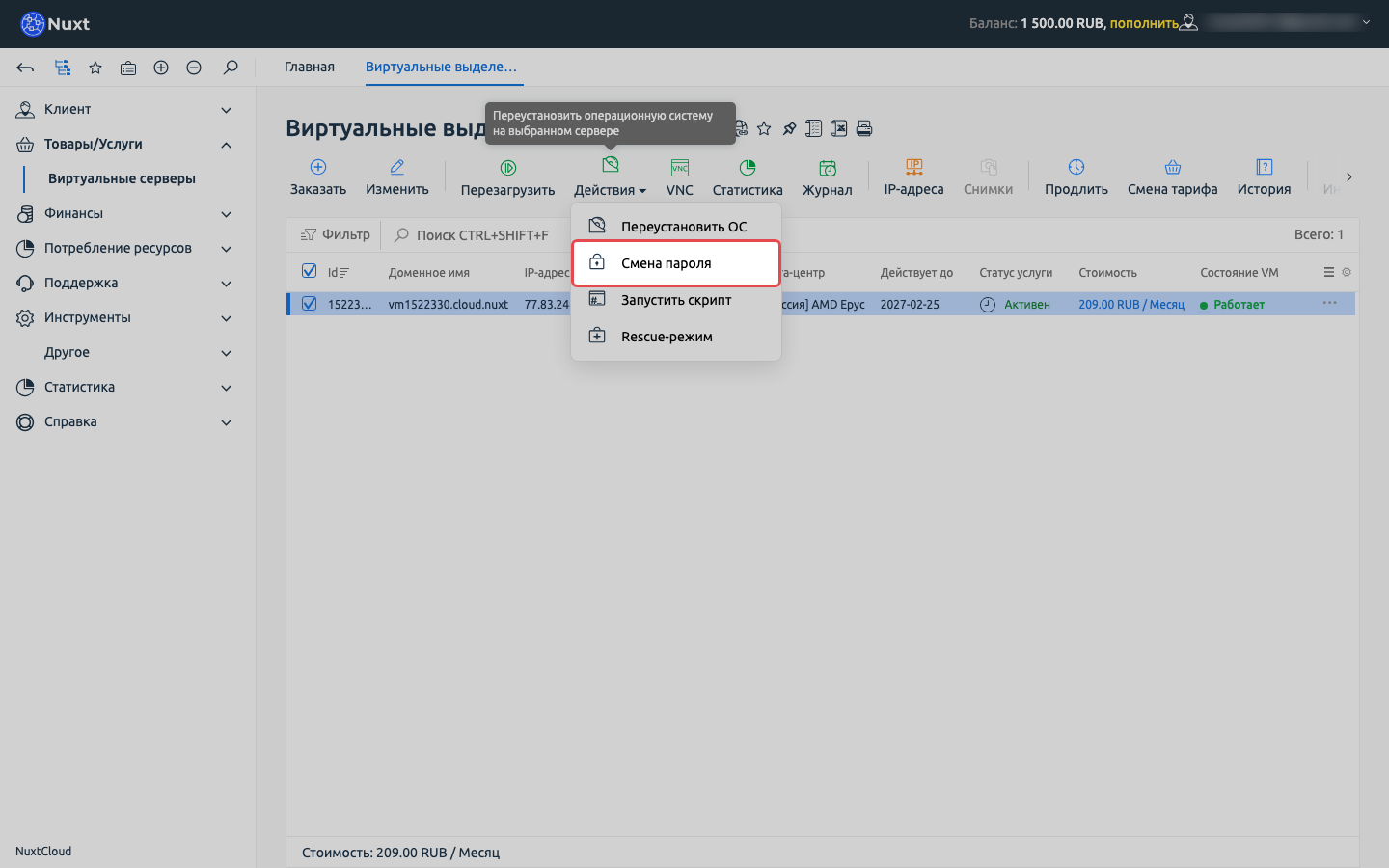
Tick the server, click Actions in the toolbar and pick Change password.
Step 3: Enter the new password
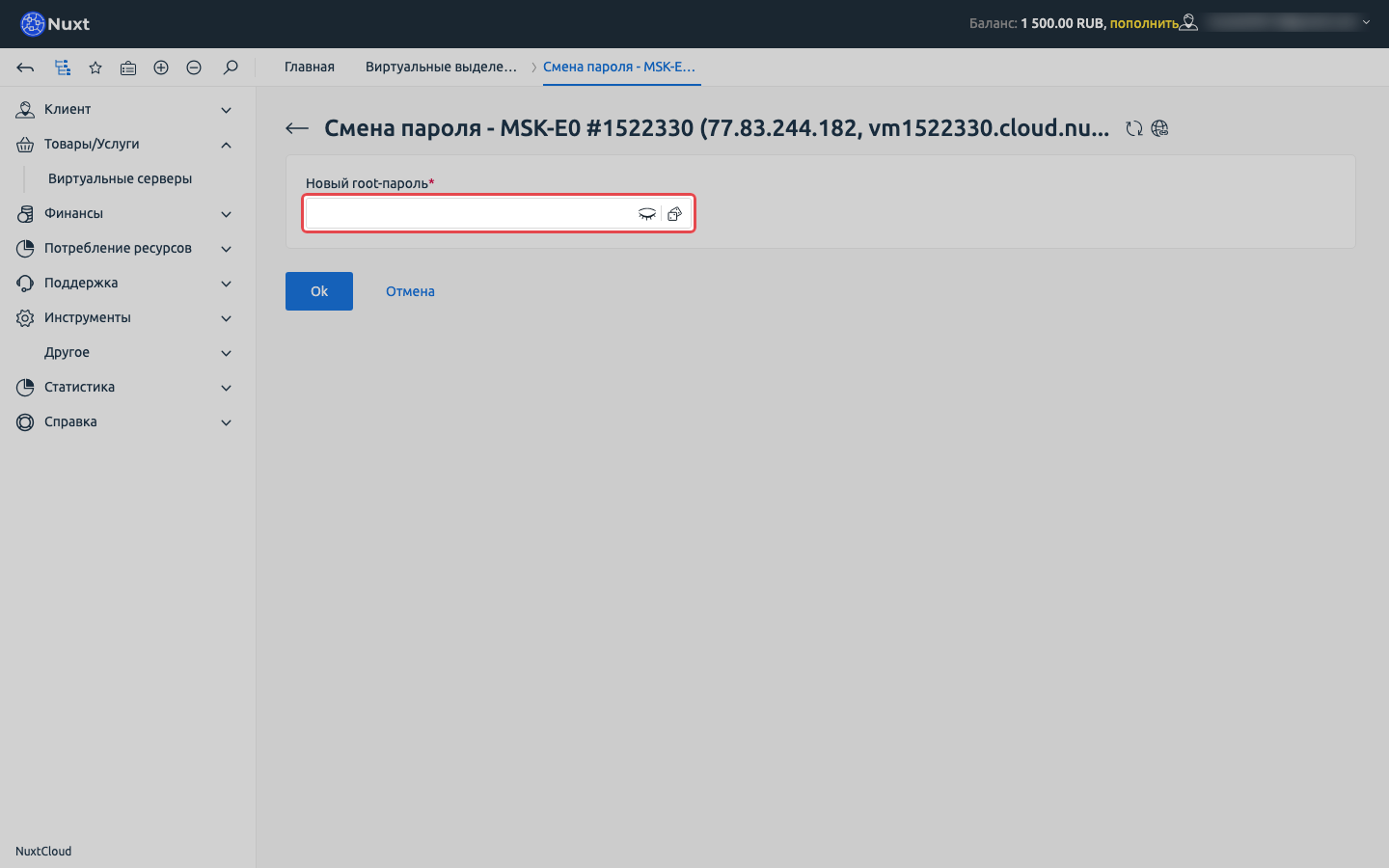
Type a password or press the generate button on the right of the field to get a random strong one. The “eye” icon reveals what you typed.
Copy the password to your password manager before pressing Ok, it is not shown again.
Step 4: Apply
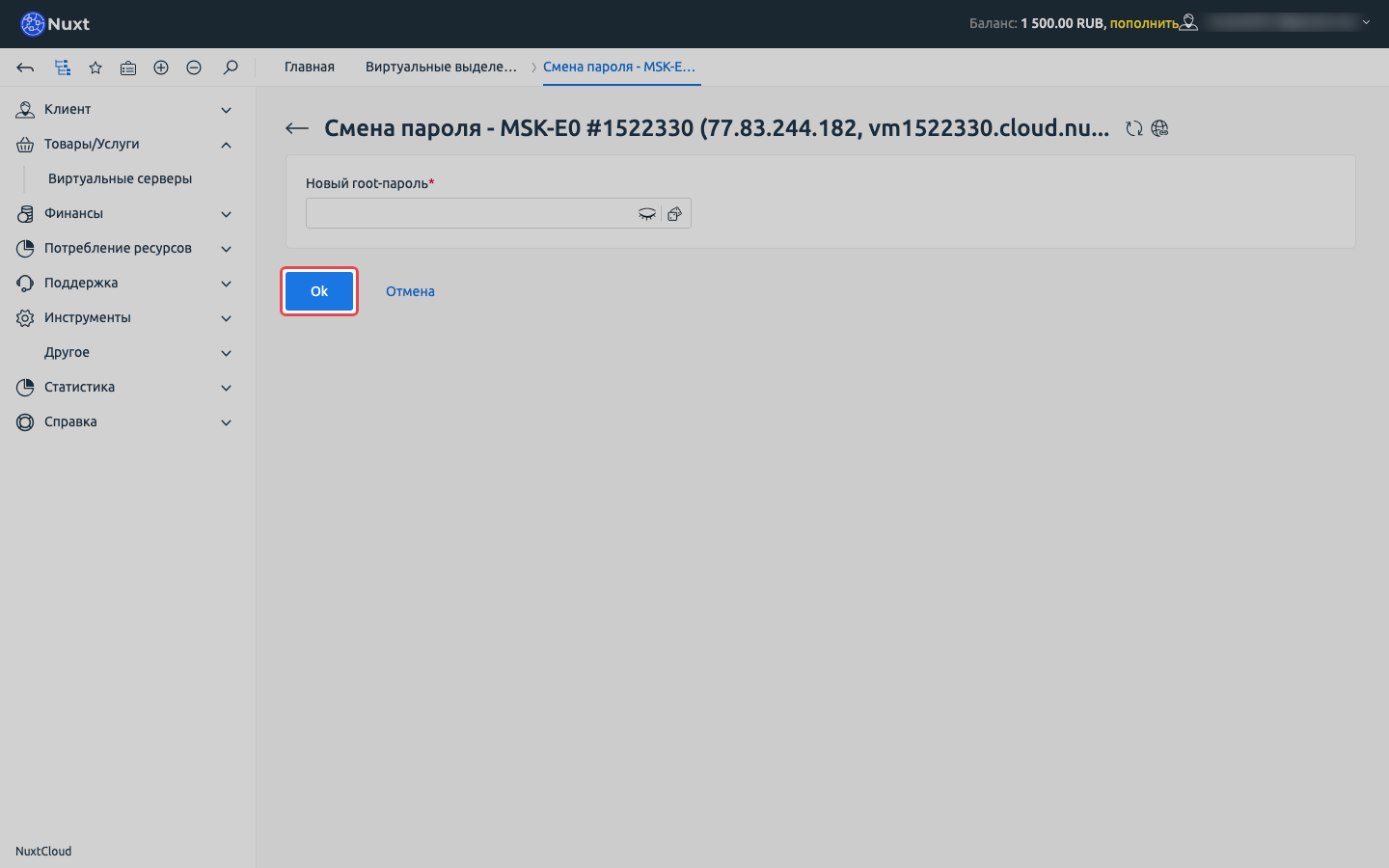
Click Ok. The password is changed through the guest agent within seconds, no reboot needed. Then connect over SSH as root with the new password.
INFO
If SSH still rejects the new password, open the VNC console and log in there: it works even with network problems or a broken SSH.
That's it. Good luck!
The NuxtCloud team.